Practice Planner
A list of the exact things you’re working on, and each day, the ones that are due. You practice, rate how it went, and the planner brings each item back when it needs another pass: soon if it was rough, later once it’s clean.
Included with Silver and up
A Silver, Gold, or Platinum membership opens the planner, along with every practice tool. Already a member? Sign in with the account linked to your Patreon membership.
Save exactly what you’re working on
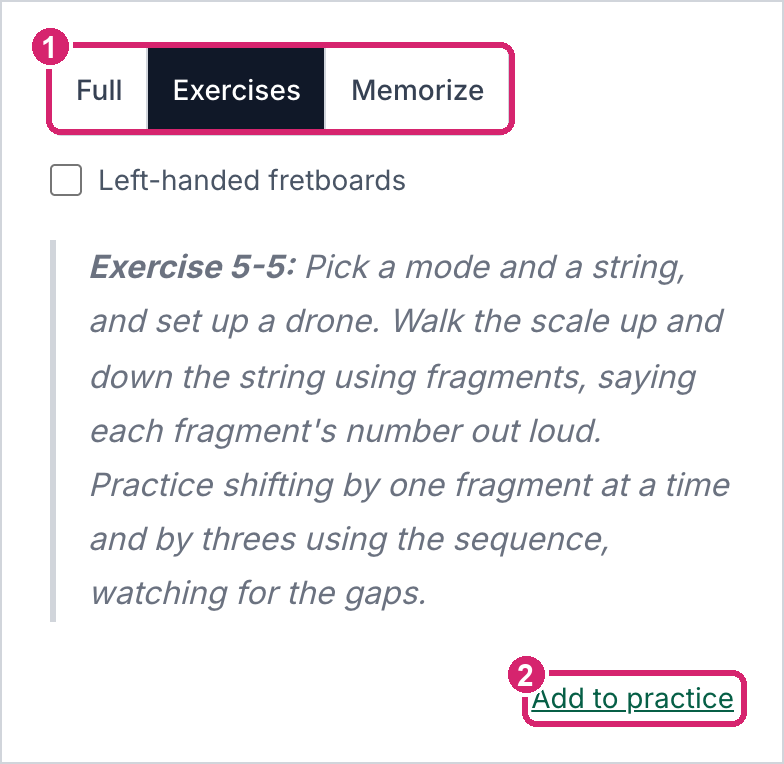
One exercise from a lesson, a whole lesson, a metronome or jam track at your settings, a YouTube clip, or a page in a book. Lessons and practice tools have an Add to practice button, and anything else can be pasted in or typed.
Each day, what’s due
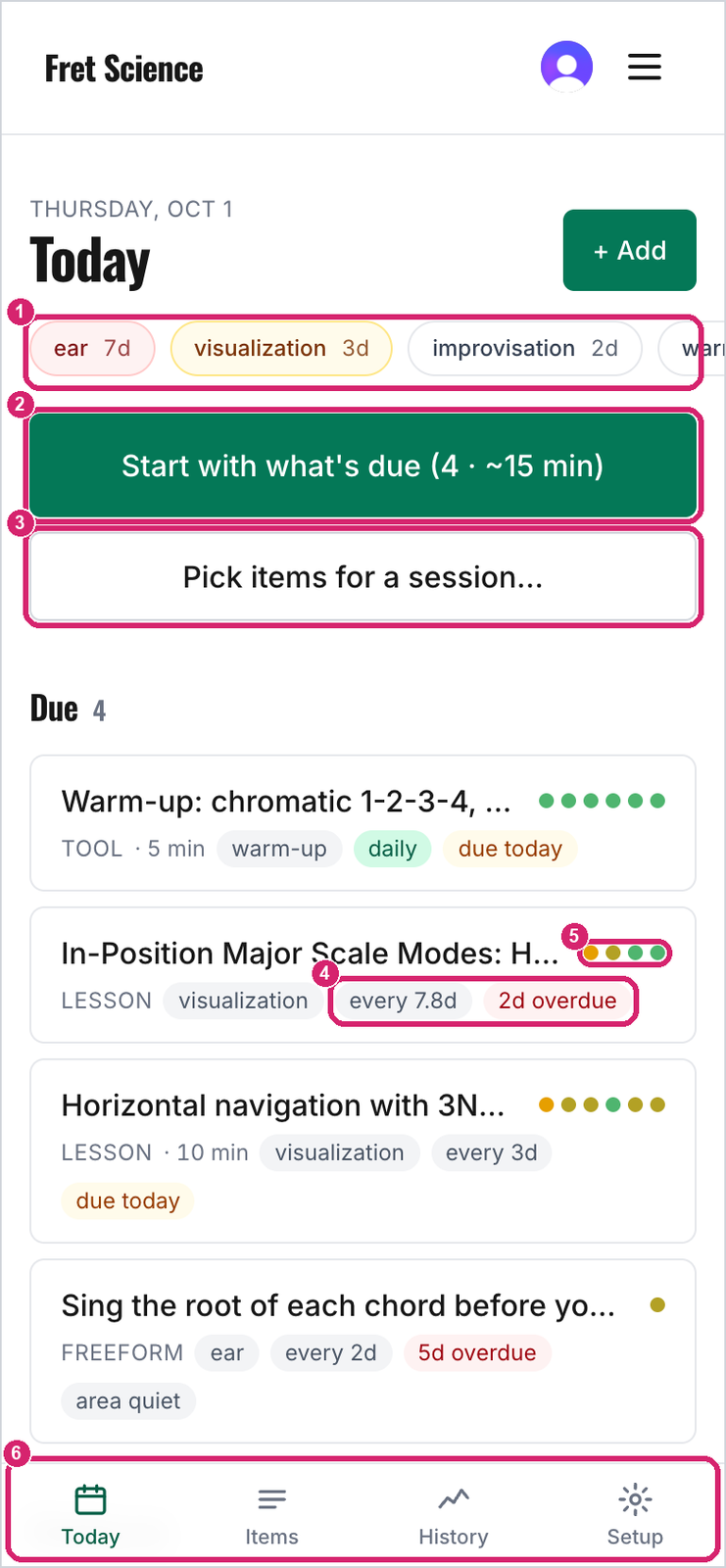
Today lists what’s due, area by area, and nudges up anything from an area you’ve let go quiet. Start a session and the planner opens each item’s own page, with a bar across the top for the clock and your rating.
Watch it improve
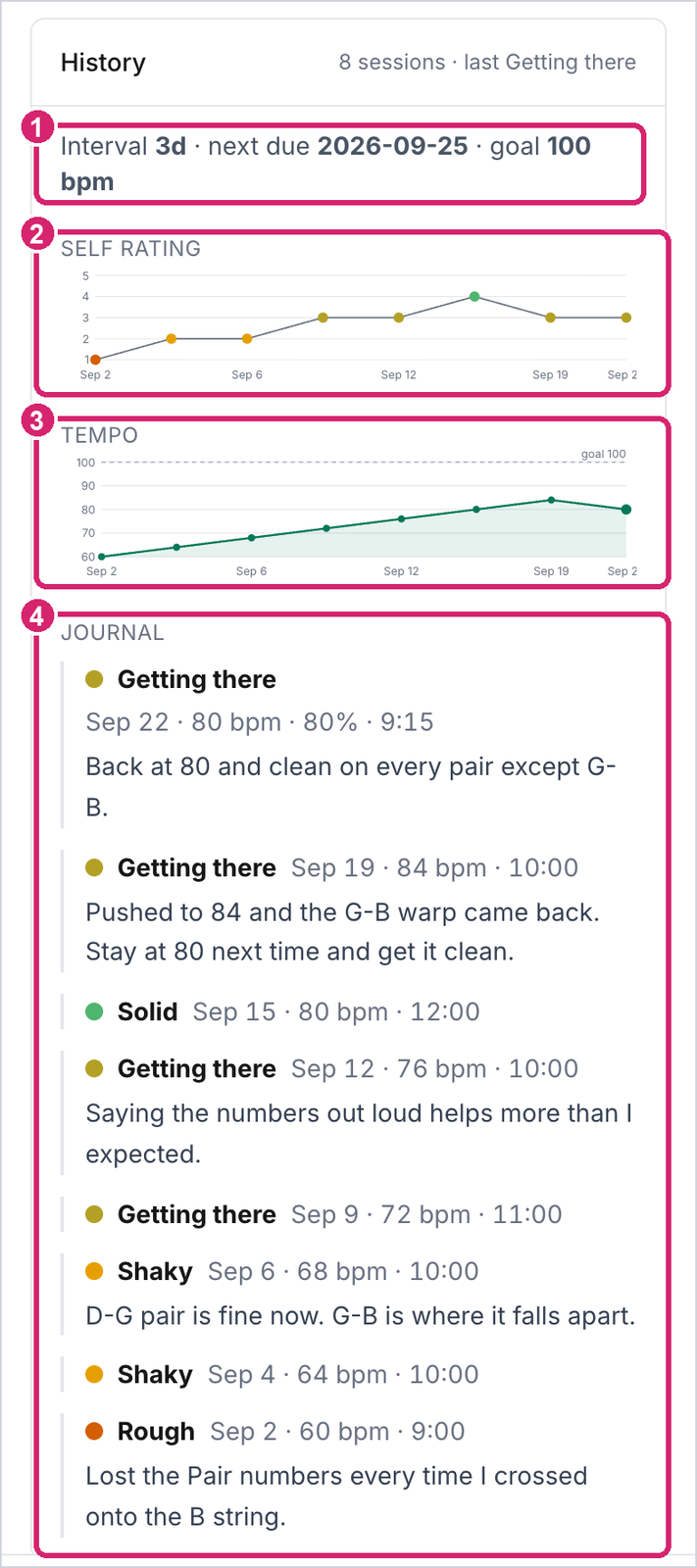
Every log keeps your rating, tempo, time, and a note. Each item charts its ratings and tempo over the weeks, and History shows everything you’ve practiced.
How it works: the two-minute quick start, or the full guide.